
Seeing other attendees
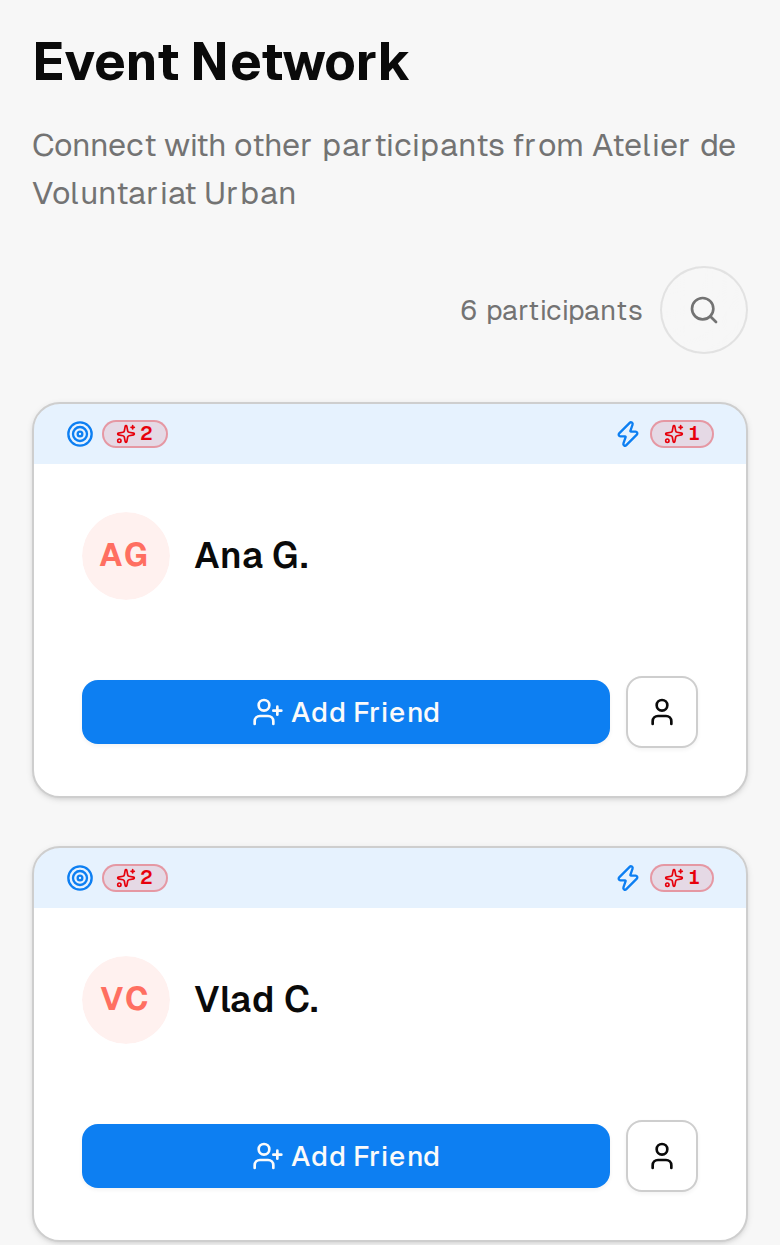
Events are worth more when you meet somebody at them. Involvo has a networking view for each event, showing other people who came.
Who can see it
You need to be taking part in that event yourself. The networking view is for people at the event, not for anyone browsing it.
Guest registrations do not include networking. If you registered without an account, you can attend perfectly well, but this part is not available — see Do I need an account?
Checking in is what puts you on it
The networking view lists the people who checked in. Being approved and confirmed does not put you there on its own.
Checking in also opens up what other attendees can see about you: someone's details beyond their name become available to the others once they have checked in themselves.
If you would rather not meet people at a particular event, not checking in keeps you off that view. Treat that as how the app presents the list, though, rather than as a privacy control — what other people can see about you is governed separately, and that is the page to read if it matters to you.
What other attendees see about you
Other attendees see your first name and your last name shortened, not written out. They do not see your email address or your phone number, and they do not see the answers you gave on the registration form.
The event's organizing team sees more — your full name and your email address. They need it to run the event, check people in, and contact you.
For the whole picture, see What other people can see about you.
From there
If you want to stay in touch with somebody after the event, you can send them a friend request — which has a step you should know about first. See How friend requests work.