
Check-in day
Check-in records who actually turned up. It gives you a real attendance list, and it is what lets the people at your event see each other on Involvo.
The QR code
Involvo generates a QR code for your event that attendees scan to check in. There is a separate one for checking out, where you are recording that too.
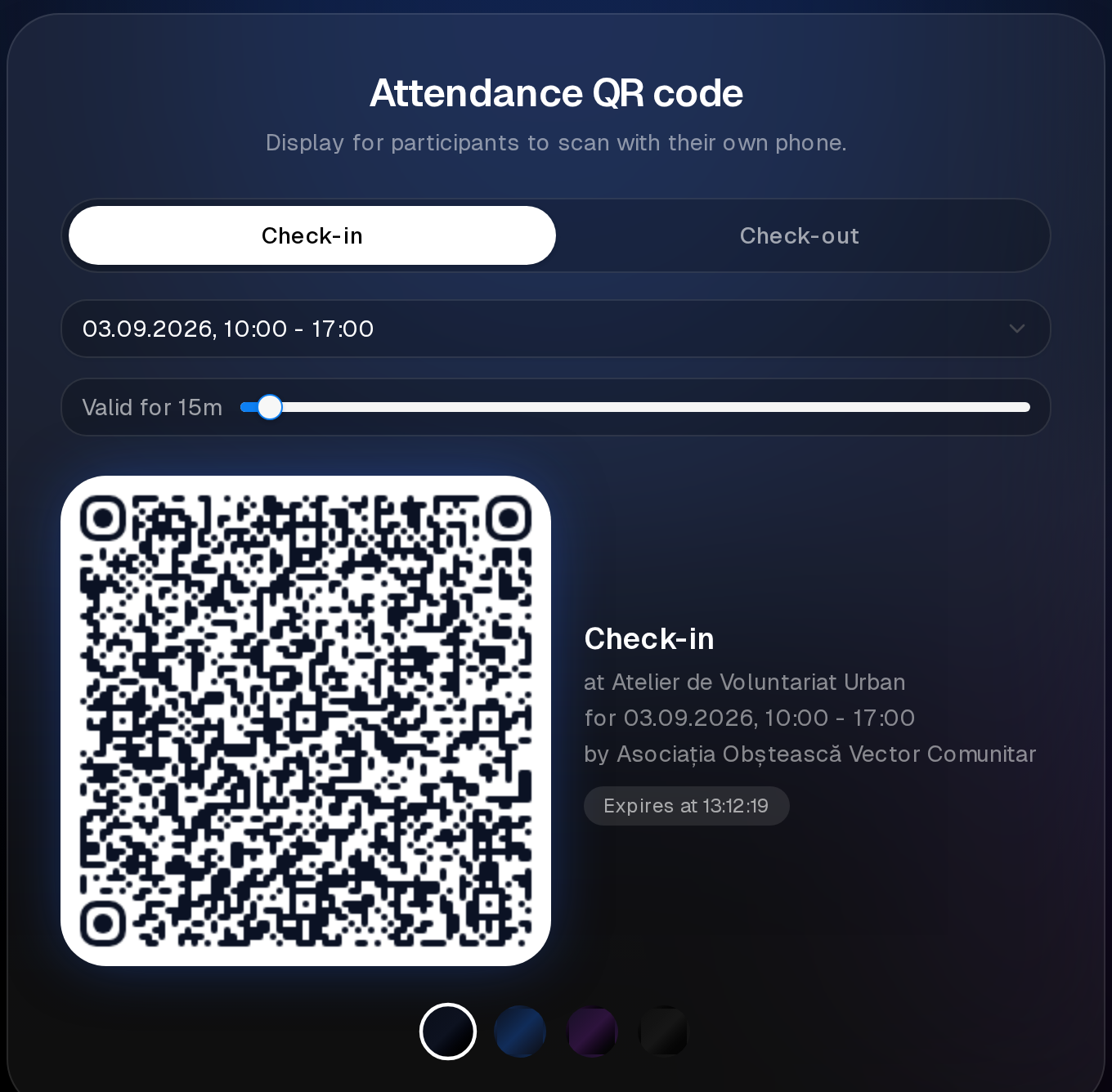
Display it where people arrive — printed at the desk, or on a screen. For an event running over several sessions or days, each part has its own code, so you check people in per session rather than once for everything.
Checking people in yourself
Your team can check somebody in directly, without them scanning anything.
Use this freely. Phones fail, cameras refuse to focus, and people arrive with no signal. Debugging someone's phone at the door while a queue builds behind them helps nobody — check them in and move on.
This also covers walk-ins: someone who turns up without having registered can be checked in on the spot, if you are accepting them.
Location checks
Where attendees check themselves in from the event page rather than by scanning, their location is used to confirm they are actually there. Scans at your own QR code and check-ins your team performs do not involve this.
Attendance that could not be confirmed is flagged rather than silently accepted, and it can be set aside if it is wrong. If someone tells you their attendance is not showing and they really were there, you can correct it.
Practical advice for the day
- Have the code up before the first person arrives.
- Make sure more than one person on your team can check people in.
- Do not make check-in the bottleneck. A person who gives up on it still attended, but your list will say otherwise.
- Check out matters less than check-in for most events. Do not chase it unless you need it.
Afterwards
Your attendance list is what feedback and analytics are built on — see Feedback, analytics and tracking links.