
Publishing your organization's event
If you are part of the organization running an event, you publish it yourself and it appears straight away. No review, and you keep control of it.
If you are not part of that organization, the event goes to review instead — see Sharing an event you found.
Getting the ability to publish as your organization
You need administrator access to the organization on Involvo. That is granted by Involvo rather than claimed through the app — see Organization profiles and badges.
What you set up
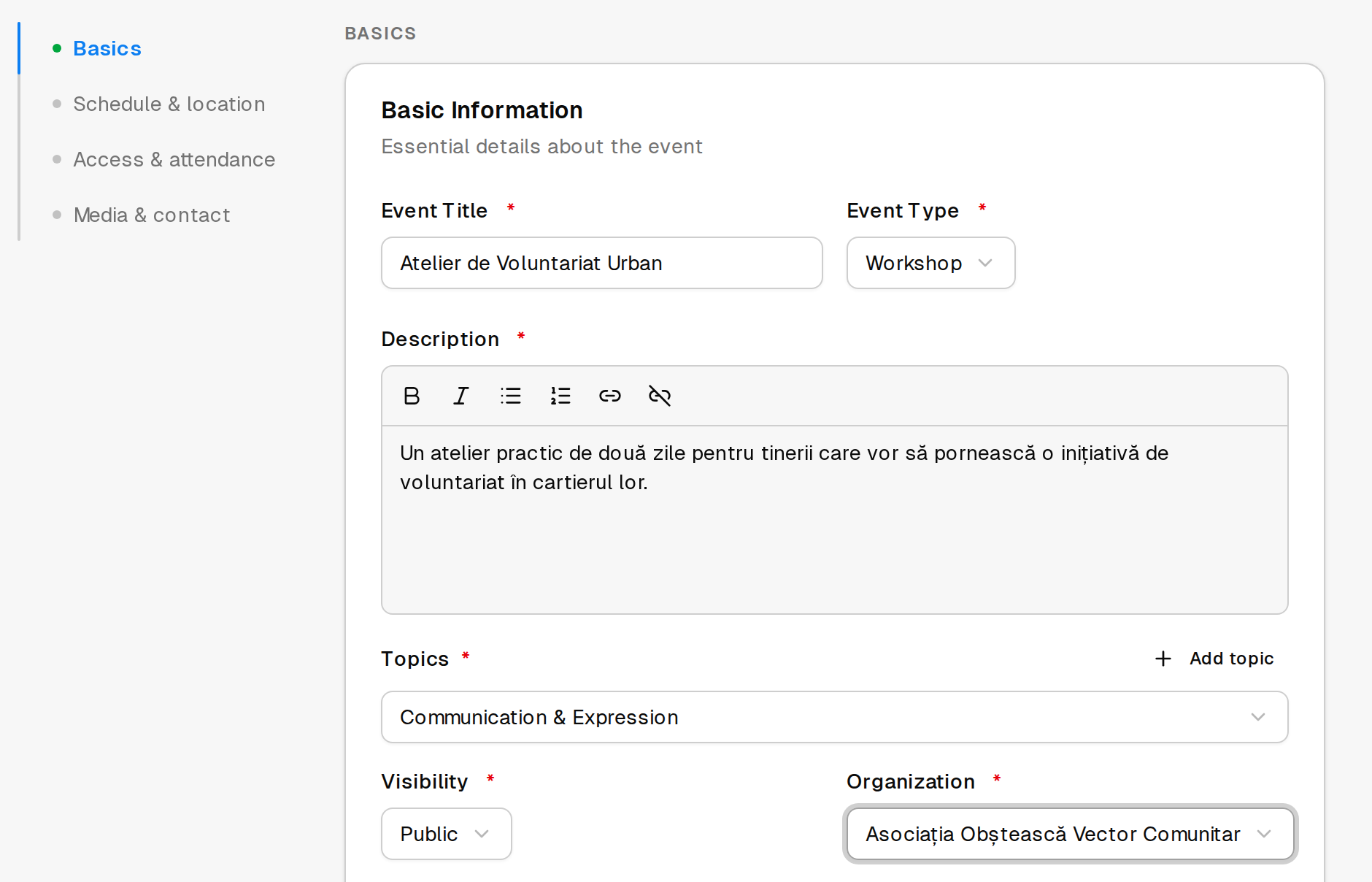
The basics — title, description, what kind of event it is, and the topics it covers. Topics are how people find you through filters, so choose the ones that genuinely fit rather than all the ones that might.
When and where — dates, and either a location or the fact that it is online. Events running over several sessions or days can be split into parts, which people then check in to separately.
Who can see it — public, private or internal. Public is the default and the point of being here.
Links — your own site, the event's page, social accounts, a joining link for online events.
Registration
You have two options, and the choice matters more than it looks.
Use the Involvo form. You build the questions, registrations arrive on Involvo, and you get the tools that depend on having them: reviewing applications, messaging participants, check-in and feedback.
Link to your own form instead. Registration happens on your side — often a Google Form — and Involvo just points people to it. Choose this if you would rather registration data did not sit with us.
The trade-off is real: with no registrations on Involvo, there is nobody for the platform to show you, message, or check in. Door check-in can still be enabled separately.
Holding back the exact time and place
You can choose to show the precise time or the exact address only to people who have marked themselves as interested. Useful for smaller events, or where you want some idea of who is coming before publishing the address.